
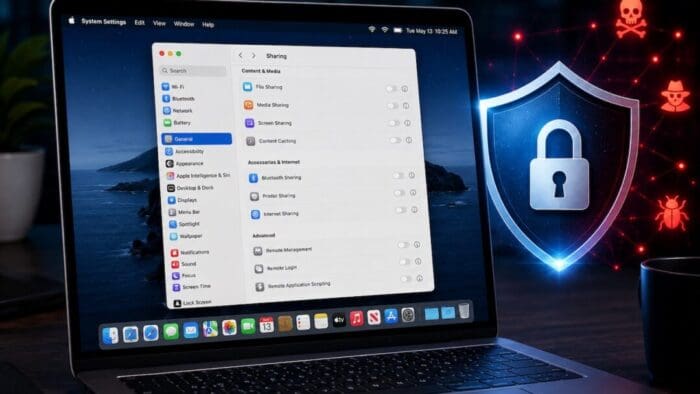
Apple just released macOS 26.6.1 Tahoe, macOS 15.7.9 Sequoia, and macOS 14.8.9 Sonoma solely to patch a vulnerability in Screen Sharing that could allow unauthenticated connections from attackers on the network. Yes, you should update, but also take a moment to visit System Settings > General > Sharing and turn off any sharing services you aren’t actively using. Many security breaches stem from simple oversight, and it’s easy to turn on a service and forget to turn it off later. All these services let you limit access to particular users, but passwords can be stolen, accounts can be compromised, and server software can have bugs. The most important services to turn off when not in active use are File Sharing, Screen Sharing, Remote Management, Remote Login, and Remote Application Scripting. We also caution against leaving Printer Sharing and Internet Sharing on unnecessarily.

(Featured image generated by Adam Engst with ChatGPT)
“We also caution against leaving Printer Sharing and Internet Sharing on unnecessarily.” Can you say more about this, specifically printer sharing? Will turning off printer sharing disallow other in our household network from being able to print? The info for printer sharing says: “printer sharing allows others on your network to use printers connected to this computer.” Printing can already be a headache (reference the most excellent Office Space movie with the gangsta rap printer smashing scene), so I don’t want to add additional (potential) headaches, unless it’s too risky to have the printer sharing toggled on.