
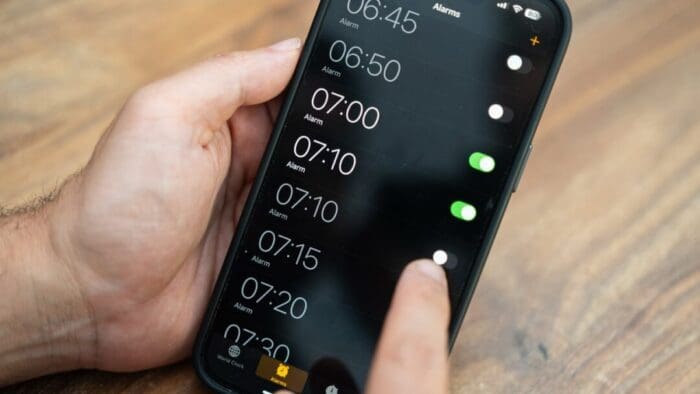
Want a quiet ringtone without making your kitchen timer easy to miss? In iOS 27, you can set alarm and timer volume separately from ringtone volume. By default, they’re still linked, so you’ll need to change a setting. Go to Settings > Sounds & Haptics, find Alarms and Timers, and turn off Match Ringtone Volume. Drag the slider below it to your preferred volume, then adjust the Ringtone slider for incoming calls. Alarms and timers share their own volume setting, so you can keep them loud without making every phone call announce itself across the room. Once you’ve adjusted the sliders, set a short timer in the Clock app to check that the volume suits your surroundings.

(Featured image by iStock.com/Olga Demina)